FaceEnjoy is an Android photo face swap app, available on Google Play. Choose a source face and a target image, then let the app detect usable faces and guide you to the result preview.
Android · Available on Google Play · iOS coming soon
01Choose a target photo
02Add a source face
03Generate and preview
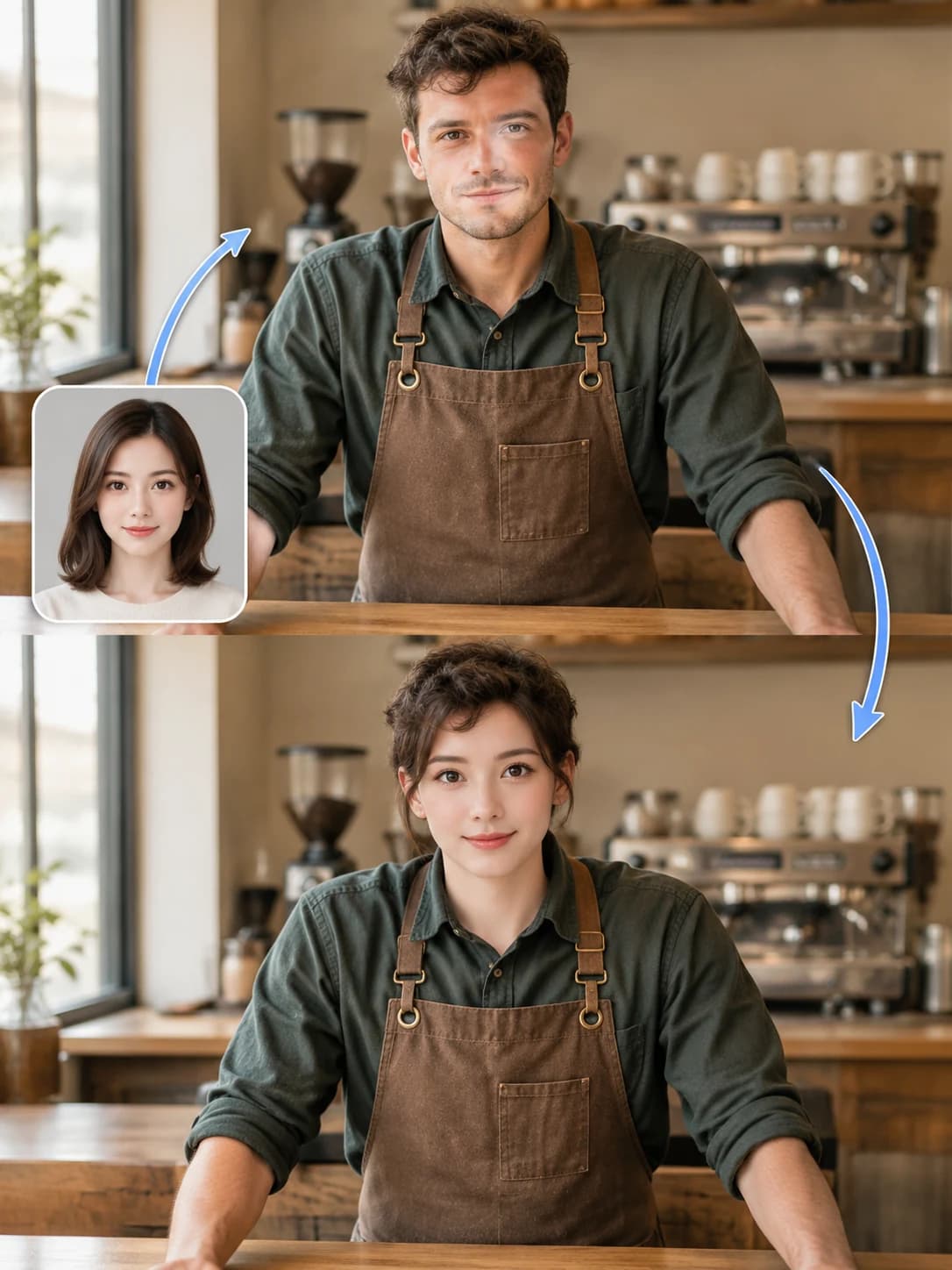
Illustrative exampleAt the café
Top · Target photoInset · Source faceBottom · Swap illustration
Illustrative images. Actual results vary by photo and device.
APP SCREEN RECORDING20-second recording
Question a safety check? See how to send feedback.
Open feedback from the safety-check message, choose a reason, add an image if needed, and submit. The recording then follows another attempt and the result preview.
Feedback, then another try
Edited screen recording with extended pauses · English interface. Processing time varies by photo and device.
01
Choose a reason
Explain the issue and optionally add an image.
02
Submit feedback
Review the details, then tap Submit feedback.
03
Check the confirmation
See that the feedback was submitted before returning.
Then in this recording: return, try again, and preview the result.
The target photo provides the setting and pose; the source photo provides the face. Check the pairing, then try it in the app.
By the sea
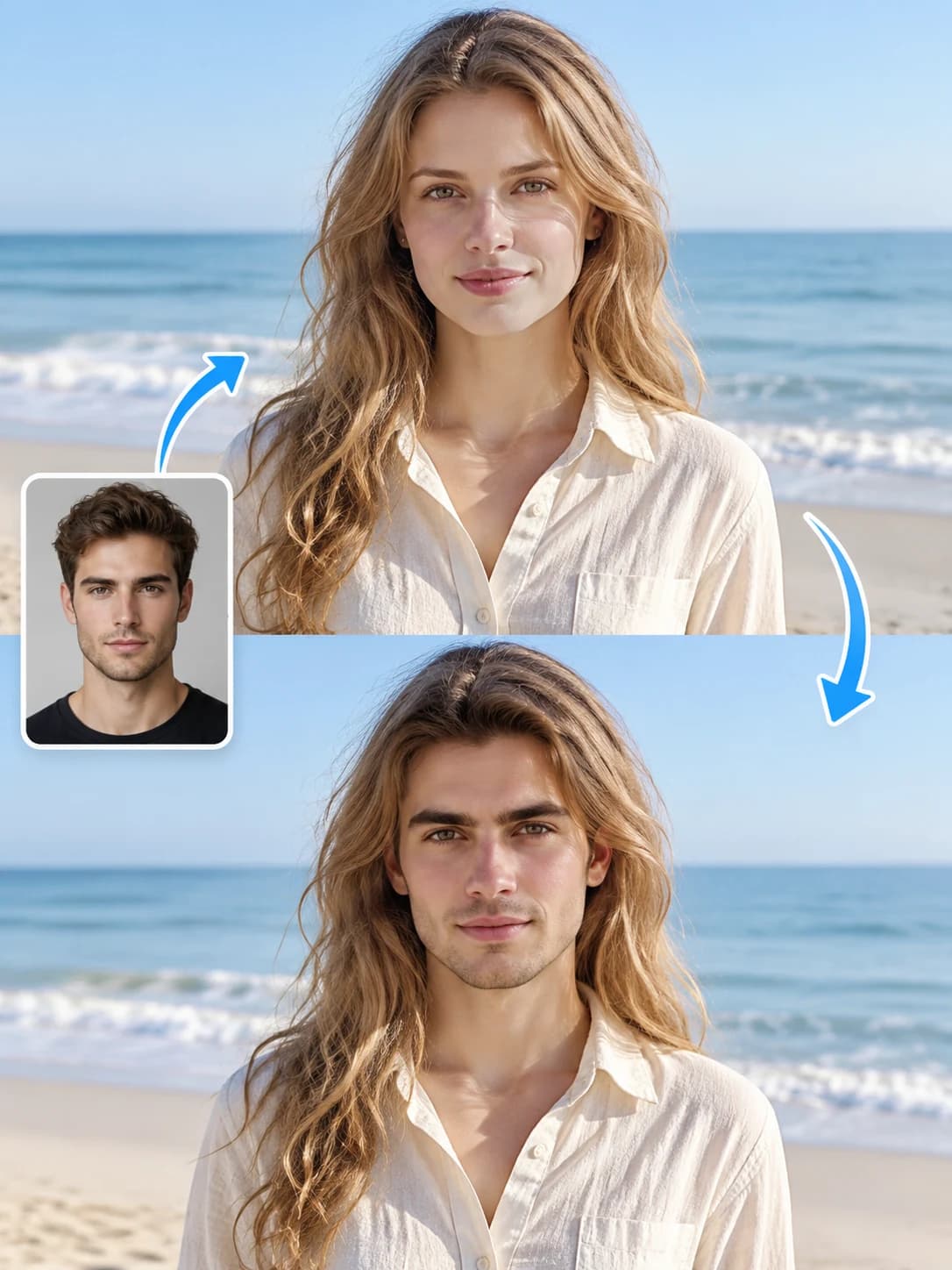
Illustrative exampleBy the sea
Top · Target photoInset · Source faceBottom · Swap illustration
Illustrative images. Actual results vary by photo and device.
01
One source, one target
The source photo supplies the face; the target photo supplies the scene, pose, and composition. Keeping that one-to-one relationship clear makes it easier to confirm the intended replacement before creation.
02
Match the angle and lighting
Clear, well-lit faces with similar angles and expressions give detection and composition a better starting point, although results still vary by image and device.
✓Use a sharp, front-facing source face.
✓Keep the target face fully visible.
✓Avoid heavy blur, deep shadow, sunglasses, and extreme angles.
03
Review before saving or sharing
Open the result preview first, then choose whether to save or share it. In the current flow, photo face swapping runs on your device and first use may require a local engine download.
Create responsibly. Only use photos you have the right and consent to use.